Colors
Fluorescent Orange / PMS 805 U / #f5767c

Fluorescent Pink / PMS 806 U / #f360a3

Fluorescent Green / PMS 802 U / #83e790

Yellow / PMS YELLOW U / #ffdf0a

Orange / PMS ORANGE 021 U / #f36d38

Red / Pantone Warm Red U / #ff665e

Green / Pantone 354 U / #00a95c

Teal / Pantone 321 U / #00838a

Aqua Blue / PMS 637 U / #22bde7

Medium Blue / PMS 286 U / #007dc2

Lavender / PMS 265 U / #8d79b8

Metallic Gold / PMS 872 U / #a29280

Black / PMS BLACK U / #21201f

Papiers
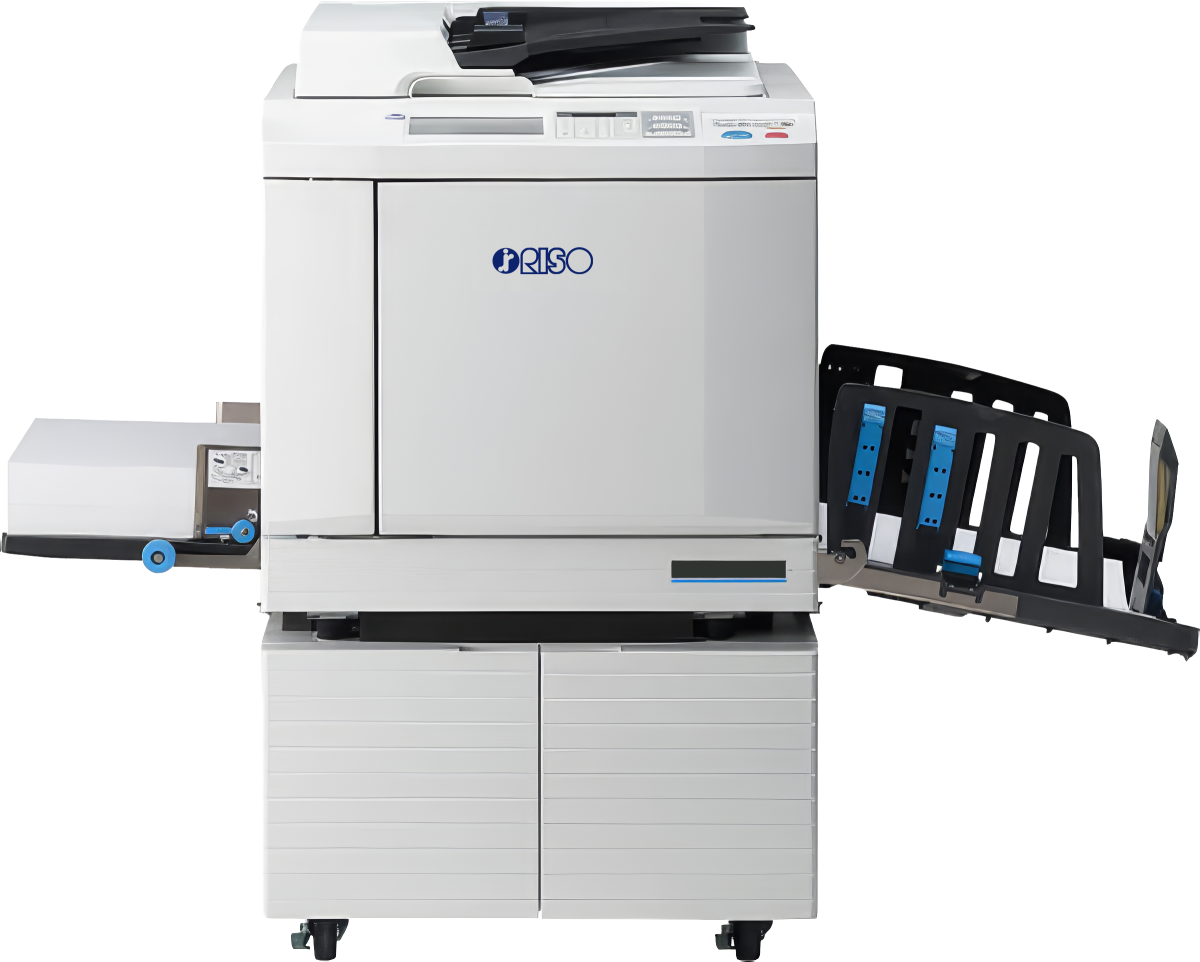
Our machine accepts paper weights ranging from 60 g/m² to 300 g/m². Le Bureau offers the following papers in A3 format.
- Lessebo Rough White:
80 g - 0.3 CHF
120 g - 0.4 CHF
200 g - 0.45 CHF
240 g - 0.5 CHF - Lessebo Rough Natural:
80 g - 0.3 CHF
120 g - 0.4 CHF
200 g - 0.45 CHF
240 g - 0.5 CHF - Munken Polar Rough:
90 g - 0.45 CHF
150 g - 0.6 CHF
300 g - 1 CHF - Munken Pure Rough:
90 g - 0.45 CHF
150 g - 0.6 CHF
300 g - 1 CHF
You can also bring your own paper, provided that it is compatible with risograph printing. ⚠️ Coated or glossy papers should be avoided ⚠️ as the ink does not adhere properly to them and remains on the surface. We recommend using uncoated paper.
The maximum print size is A3. However, the print will have a white margin of approximately 5 mm on all sides, as risograph printing does not allow for full-bleed printing.
Files
We recommend creating your files in PDF or JPEG format for risograph printing. If you are unable to convert them to PDF, computers are available for rental on site during our opening hours.
To ensure good print quality, your files should have a minimum resolution of 300 dpi.
You can also bring your project with you and use the risograph’s scanner directly if you would like to achieve a more experimental result or work from original documents.
Archives & Guides
Archives are available at the «Bureau culturel» in the form of binders and books. They allow you to explore different possible combinations, consult the color charts provided and gather inspiration for your future projects.
Guides are also available on-site to help you print your files.
Recommendations
Here is a selection of websites that will help you prepare your files for risograph printing or learn more about color profiles:

